Lossless cuts
Copies the original video data, so there is no quality loss and saving takes a second or two. The clip starts on a keyframe, and the app shows you where that is.
 SimpleClip
 is a free video trimmer for Windows. Drop in a recording, mark the moment, save the clip. By default it keeps the same quality as the original, with no extra file size.
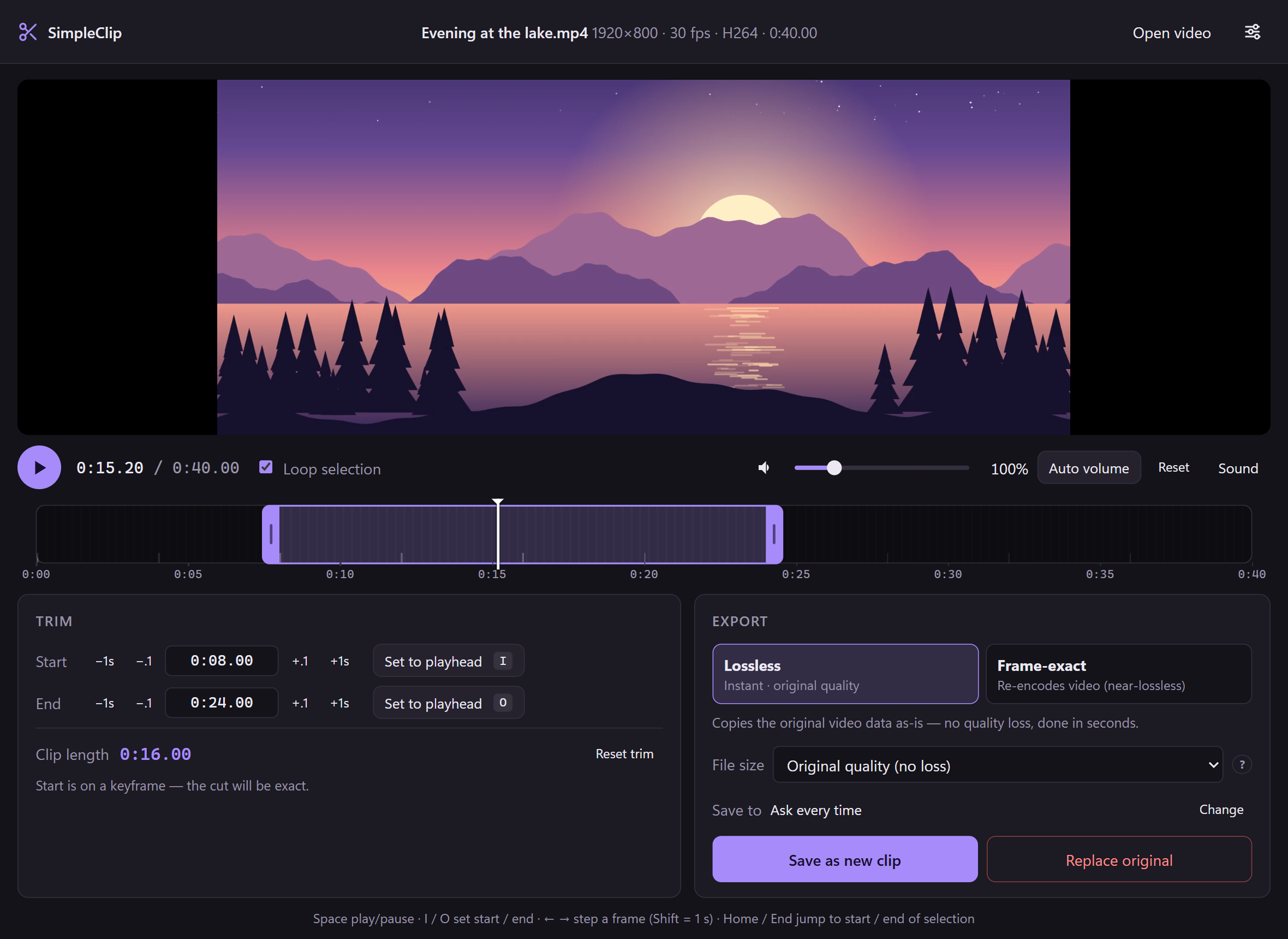
Copies the original video data, so there is no quality loss and saving takes a second or two. The clip starts on a keyframe, and the app shows you where that is.
Starts on the exact frame you picked. The video is re-encoded at high quality, so saving takes longer.
Brings the clip to about -14 LUFS, the level YouTube uses, without squashing loud moments.
An offline AI model separates voices from game sound and brings everyone in a call to a similar volume. The game sound is left alone.
Saving takes a second or two in Lossless mode.
Press Replace original and the trimmed clip takes the place of the original file, so you don’t end up with two copies. The app asks first, because this can’t be undone.